
All about the user :
User Research
Today’s fitness experience is fragmented across multiple devices and apps. Users switch between smartwatches for tracking, mobile apps for workouts, and web dashboards for long-term progress. This inconsistency breaks momentum, decreases motivation, and ultimately reduces habit formation.
Pain Points
Navigation Fatigue
"Hidden" profile settings or difficult-to-find certificates.
Cognitive Load
Too many "Topics" on one screen without categorization.
Digital Distraction
it’s one swipe to jump from your app to YouTube or Netflix.
User Personas
Personas were selected by conducting user research and identifying common pain points, that frustrate and block the user from getting what they need from a product.



Appmap
It's a structured scheme that outlines the pages and content hierarchy of the app.
Next step: creating the application map. My goal here was to make strategic information architecture decisions that would improve overall app navigation. The structure I chose was designed to make things simple and easy.

User Journey Map
It is the series of experiences Carlos has as he achieve a specific goal. It was built on the his experience.

Digital Wireframes
More "clear" version of wireframes in a digital form. Also all the important pages are added
in it.
On this step I used the Figma design tool to create digital wireframes of all the pages. Then I bonded all of them into the clear and smooth structure.
The goal is to show how all the pages and things interact with each other.


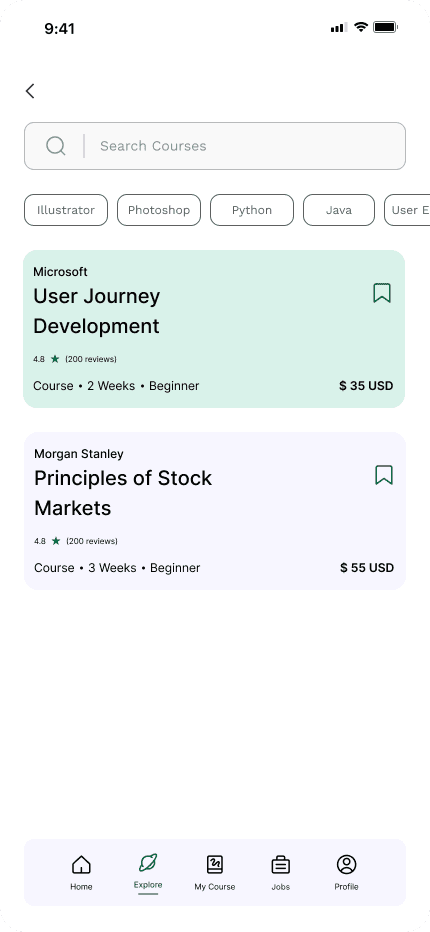


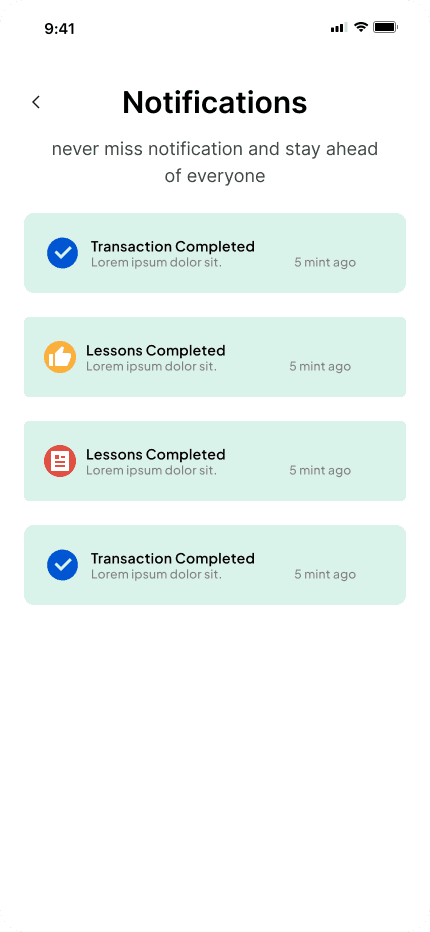
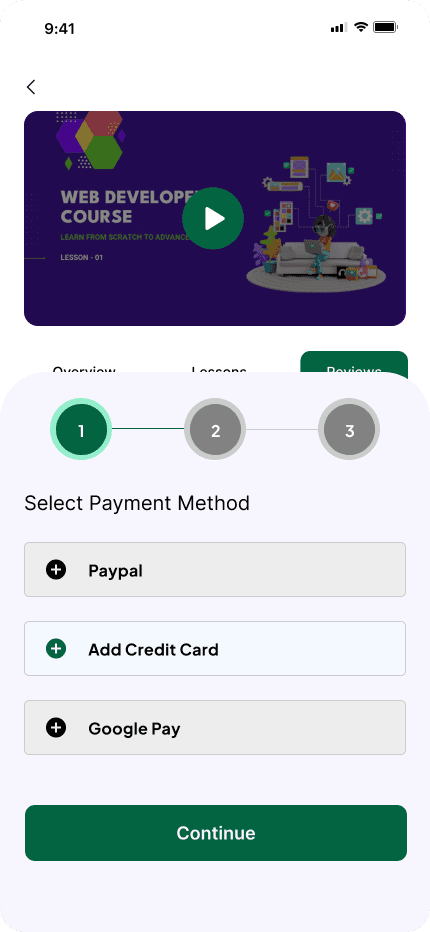

High-fidelity prototype
It's the detailed, interactive version of designs that closely match the look and feel of the final product.
I turned my mockups into a prototype that's ready for testing, using gestures and motion, which can help enrich the user experience and increase the usability of the app.

Onboarding Screen - Sign in/Sign up
Home Screen - search - hero - top courses - webinars
Explore - find your interested course with filters
Details about the selected course
Jobs - search option - according to your interested role
Return to Home Screen - more activity details, more information about steps , of today and previously
On boarding screen - log in as guest - limited access